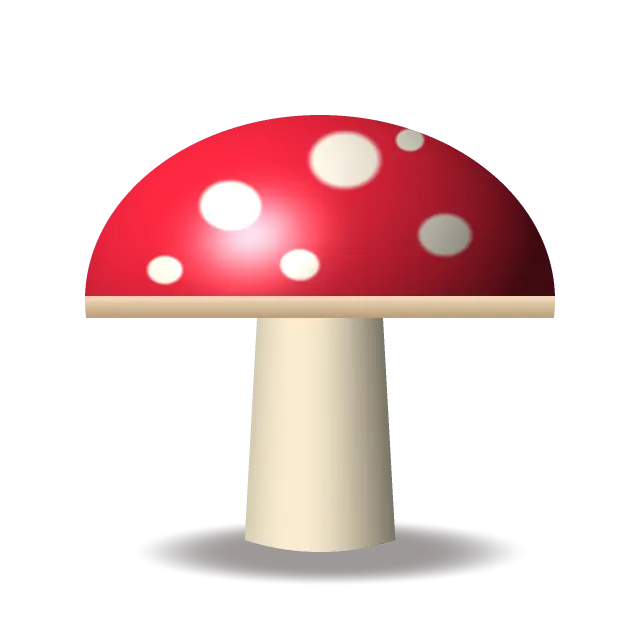
Original illustration
Animated GIF, pulsing glow
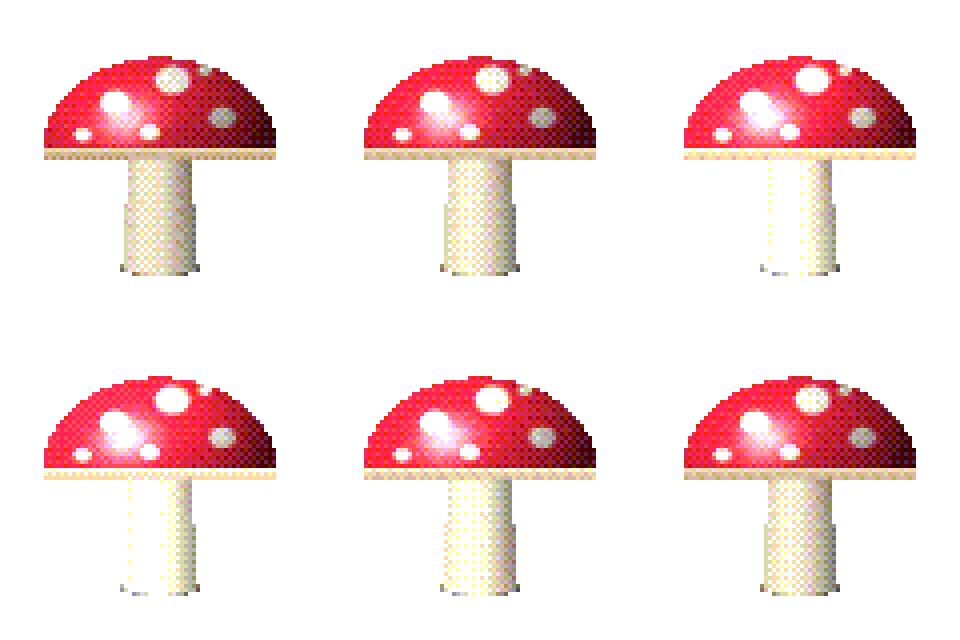
Add two or more images (up to 30, 50 MB each) and they become the frames of one animated pixel art GIF, in the order you drag them into. With a single image, the tool generates the animation for you: a pulsing glow, a gentle zoom or a color cycle, with 4 to 24 frames. You control the frame delay (20 to 2000 ms), looping, the GIF palette and every pixel art setting, and you can export a sprite sheet with a JSON frame map instead. It all runs in your browser.
Create animated pixel art GIFs for the web, games and social media
Animated pixel art covers everything from arcade character sprites to looping avatars and emoji. This pixel art GIF maker pixelates your images, reduces their colors, and packs them into a small GIF that plays on websites, in chat apps and on social platforms.
Frame-by-frame pixel animation
Classic pixel animation is drawn frame by frame, each frame a small change from the last: an arm moved two pixels, an eye closed, a little bounce. Because every pixel is a separate element, small changes stay manageable.
Loops usually run 4 to 12 frames. An idle animation might cycle 4 frames of breathing or swaying, a walk cycle typically needs 6 to 8, and attacks or jumps may use 8 to 12. Draw or export your frames as separate images, add them in order, and the tool pixelates each one with the same settings and joins them into a GIF.
Animating a single image
With one image and an effect selected, the tool makes the frames itself. Pulsing glow brightens and dims the image, gentle zoom moves in and out, and color cycling shifts every hue around the color wheel. Choose 4 to 24 frames (8 by default) and, for the glow and the zoom, a strength from 5 to 100% (50% by default). At full strength the glow peaks 60% brighter than the original and the zoom moves in by up to 35%, while color cycling always turns the hues one full circle per loop. Each effect is built so the frame after the last one matches the first, so the loop has no visible jump. These effects suit logos, portraits and sprites with strong silhouettes and clear color areas.
Sprite sheets and animation cycles
Game developers often prefer a sprite sheet, a single image with all frames in a grid. Switch the output to sprite sheet to get a PNG with up to 12 frames per row (or one long row) and a JSON file listing each frame's position and duration in the TexturePacker JSON hash format. Phaser and PixiJS read it directly, and other engines can slice the PNG by frame size.
All frames come out the same size, because later frames are cropped to the first frame's shape and scaled to its grid. To keep colors consistent across frames, use a fixed palette such as PICO-8, or keep the GIF palette on Shared so the whole animation uses one color table.
Keeping GIF files small
GIF uses LZW compression, which works best with few colors and large flat areas, so pixel art GIFs are usually much smaller than animations made from photos. To shrink them further, use a palette of 16 to 32 colors, a small grid such as 64 × 64 or 128 × 128, fewer frames, and no dithering. Avoid running the GIF through general image compressors afterwards, since they save only the first frame.
Uses for animated pixel art GIFs
Game developers use them for character previews, interface animations and effects. Creators post them on social media and use them as animated emoji or stickers. Web designers use small pixel GIFs as loading indicators and decorations, and an animated pixel logo or mascot gives a gaming or tech brand a playful touch.
Default settings for this tool
This page loads with GIF output, Animate on and the Pulsing glow effect, so a single image becomes an 8-frame loop and several images become the frames of one animation. Frames change every 120 ms, the GIF loops forever, and the GIF palette is Shared. Pixel size is 8 and colors are 8-bit (RGB332, up to 256 colors), with the palette set by bit depth. Dithering is Ordered (Bayer 8×8). Ordered dithering uses a fixed threshold pattern tied to pixel position, so the pattern does not shift between similar images the way error diffusion can.
Each block is drawn at its source size, so the GIF comes out at about the original image size, up to 2,048 pixels on the longest side. For bigger images the tool uses the largest whole-number block size that fits: a 4,000 pixel wide photo at pixel size 8 makes a 500 pixel wide grid, and the GIF comes out 2,000 pixels wide. Choose 1× under Output size for the smallest file, with one GIF pixel per block.
Set Dithering to None for flat color, or choose a palette such as PICO-8 for a fixed color set. A larger pixel size gives fewer, bigger pixels.
Frequently Asked Questions
How many frames should my pixel art animation have?
Most pixel loops use 4 to 12 frames: about 4 for breathing or swaying, and 6 to 8 for a walk cycle. Fewer frames also mean a smaller file. Generated effects can have 4 to 24 frames.
What frame rate should I use for pixel art GIFs?
Pixel animations usually look right at 8 to 12 frames per second, a frame delay of about 80 to 125 ms. The default here is 120 ms, a little over 8 frames per second. Slower rates suit pixel art and match how often sprites changed in many classic games.
How do I keep my pixel art GIF file size small?
Use 16 to 32 colors, a small grid such as 64 × 64 or 128 × 128, and as few frames as the motion needs. Turning dithering off also helps, because flat areas compress better in GIF.
Can I use pixel art GIFs in game engines?
Engines generally work with sprite sheets rather than GIFs. Set the output to sprite sheet to get a PNG of all frames plus a JSON frame map, then import it into Unity, Godot, GameMaker or another 2D engine and slice it by frame size. Phaser and PixiJS read the JSON directly.
What image formats can I convert to pixel art GIFs?
PNG, JPG, WebP, AVIF, HEIC, GIF and BMP. An animated GIF contributes only its first frame, so add each frame as a separate image. The output is a GIF on this page, and you can switch to PNG or a sprite sheet.
Can I create transparent pixel art GIFs?
Yes. If your images have transparent areas, the GIF keeps them. GIF transparency is either fully on or fully off per pixel, so soft edges are snapped to one or the other.